CarPlay widgets · In beta

Three widgets.
One flight.

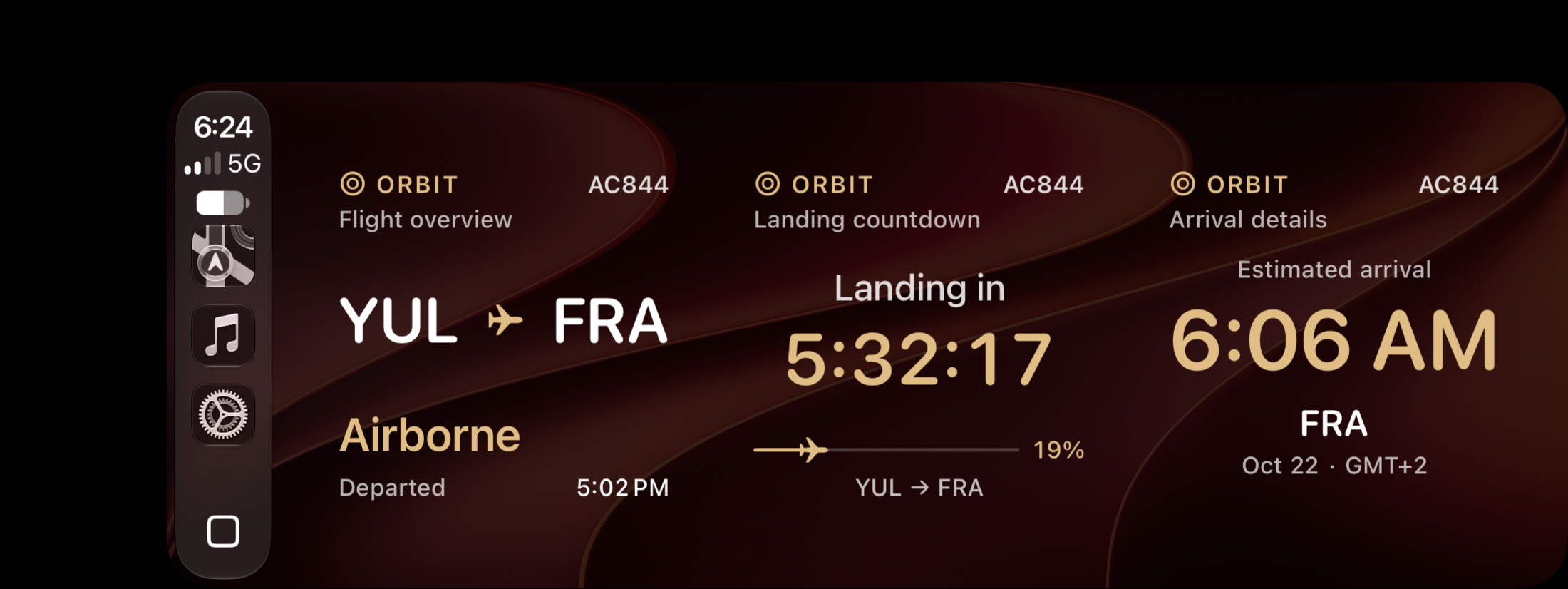
Three separate ORBIT widgets for one flight: overview, landing countdown and arrival details.

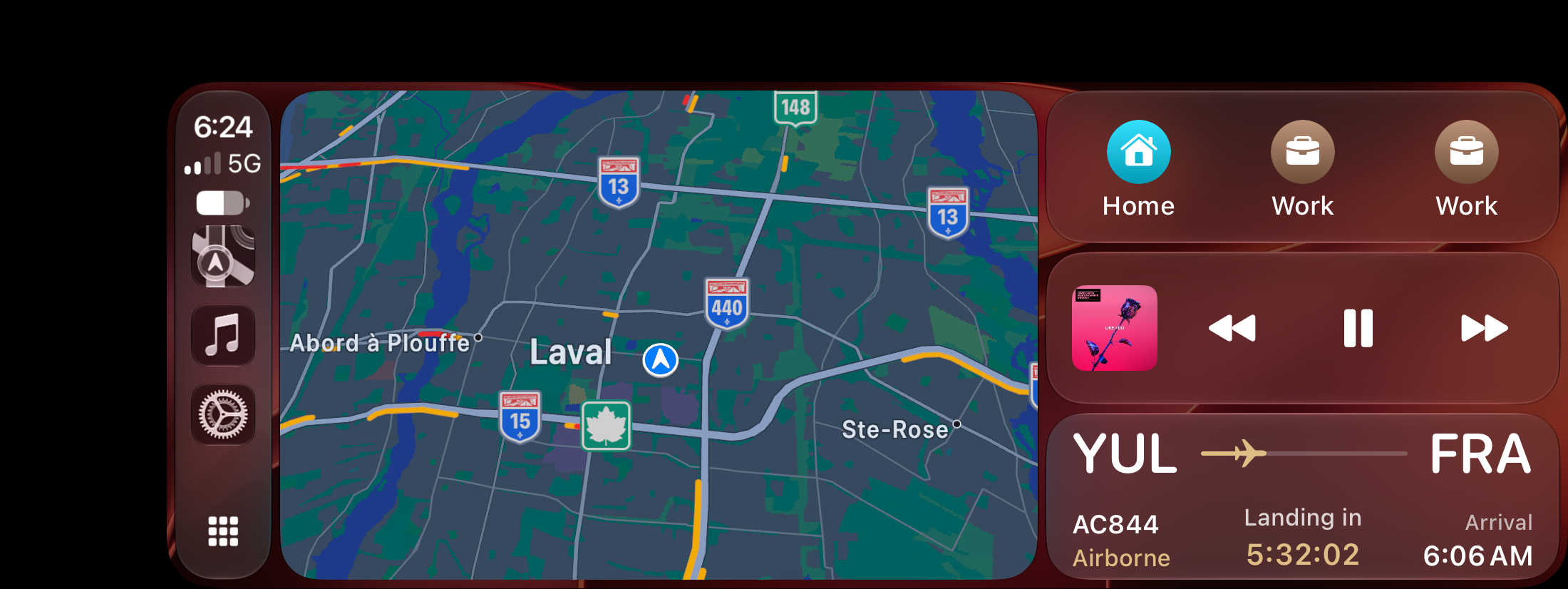
Actual CarPlay widget page showing AC844 from YUL to FRA: flight overview, landing countdown and arrival details
Actual CarPlay capture · Three separate ORBIT widgets. Layout varies by display. View full capture

Swipe to explore each widget.

Flight overview
Route, flight number and status.
Landing countdown
Time to landing and flight progress, when live estimates are available.
Arrival details
Local arrival time, date and time zone.

Set the page up your way.

In a compatible beta build, add Flight overview, Landing countdown and Arrival details in your iPhone’s CarPlay widget settings. Arrange them side by side where your display supports three slots.

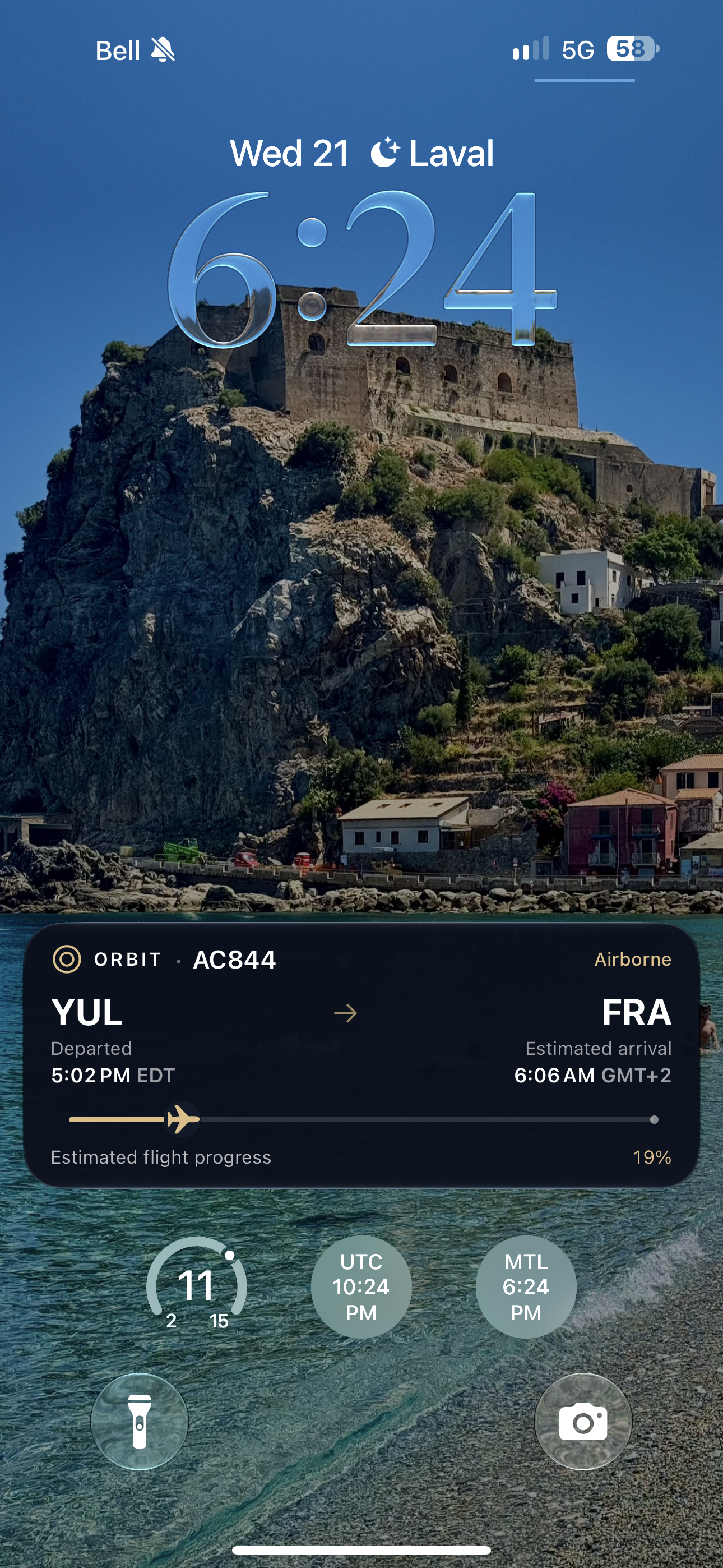
The widgets use the flight selected by a Live Activity in ORBIT. It can come from your schedule, a shared schedule or a flight you choose to follow.

FOLLOW

Bring your people along.

Start with a journey, then choose who to share it with.