For avid travellers
Save the countries and cities you’ve visited. See your favourite places on the globe and revisit the journeys behind them.
Globe Atlas
Globe Atlas is your personal 3D travel globe. Map visited countries, cities and past flights, then revisit your journeys and memories.
Start in your browser. No account needed to explore.
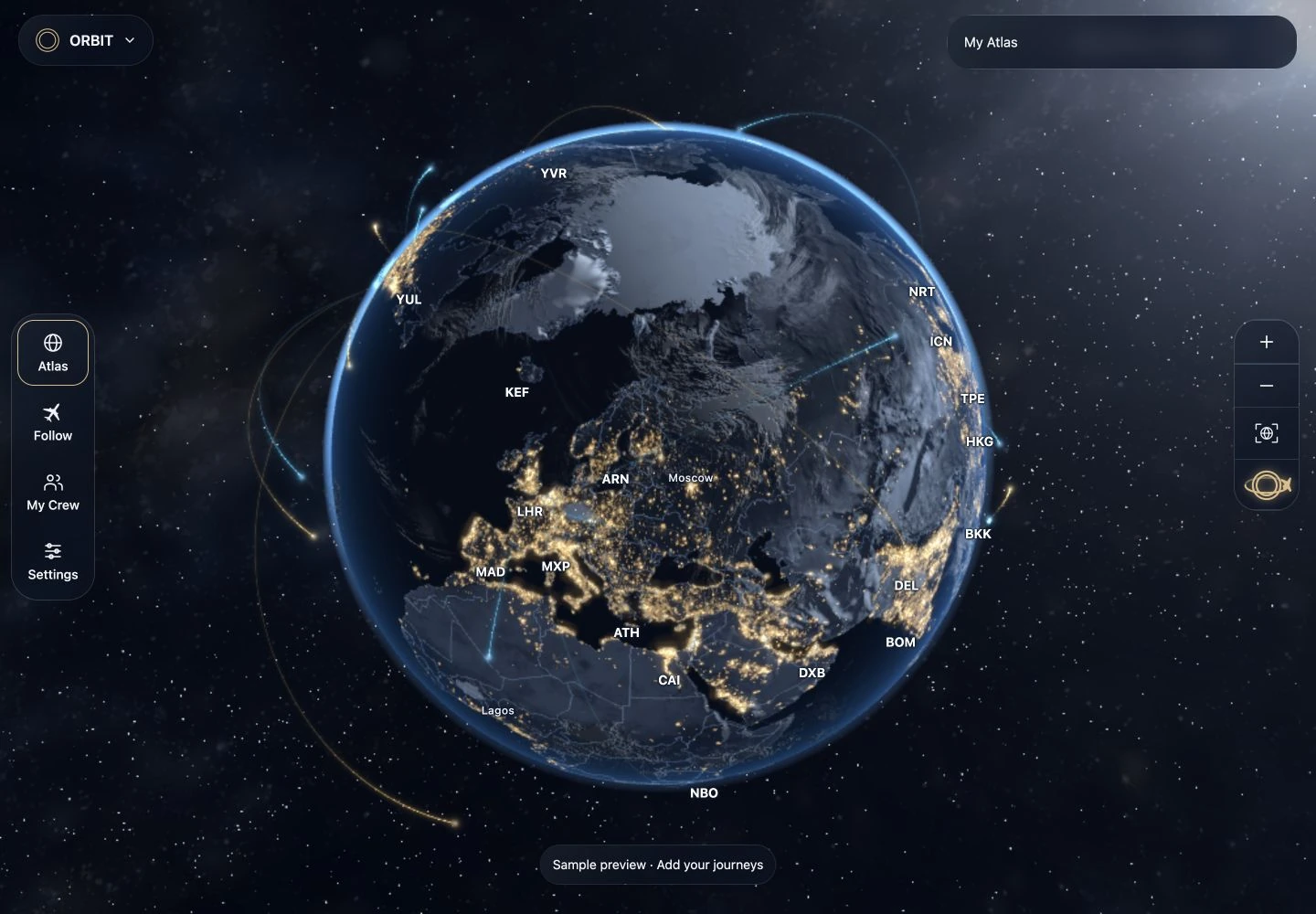
A world of your own
A weekend away or a life in the skies — bring the places that matter to you together.
Save the countries and cities you’ve visited. See your favourite places on the globe and revisit the journeys behind them.
Bring past flights together into a visual history. See the routes you’ve flown and the destinations that have shaped your time in the skies.
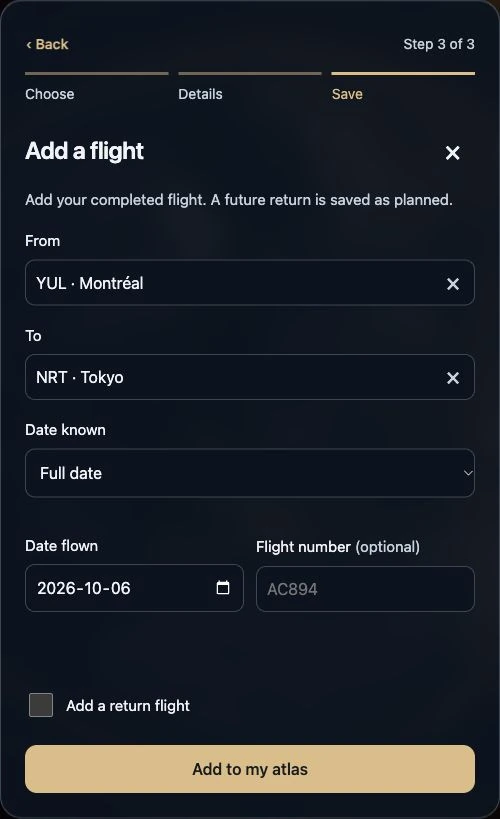
From your first place onward
Add a country or city, even if you don’t have a flight number or travel date.
Enter a past flight, or review a supported import before saving it. Your routes become part of your globe.
Open My Atlas to browse saved places, journeys and destination photos. Rotate the globe to see them together.
Destination photo albums require sign-in.
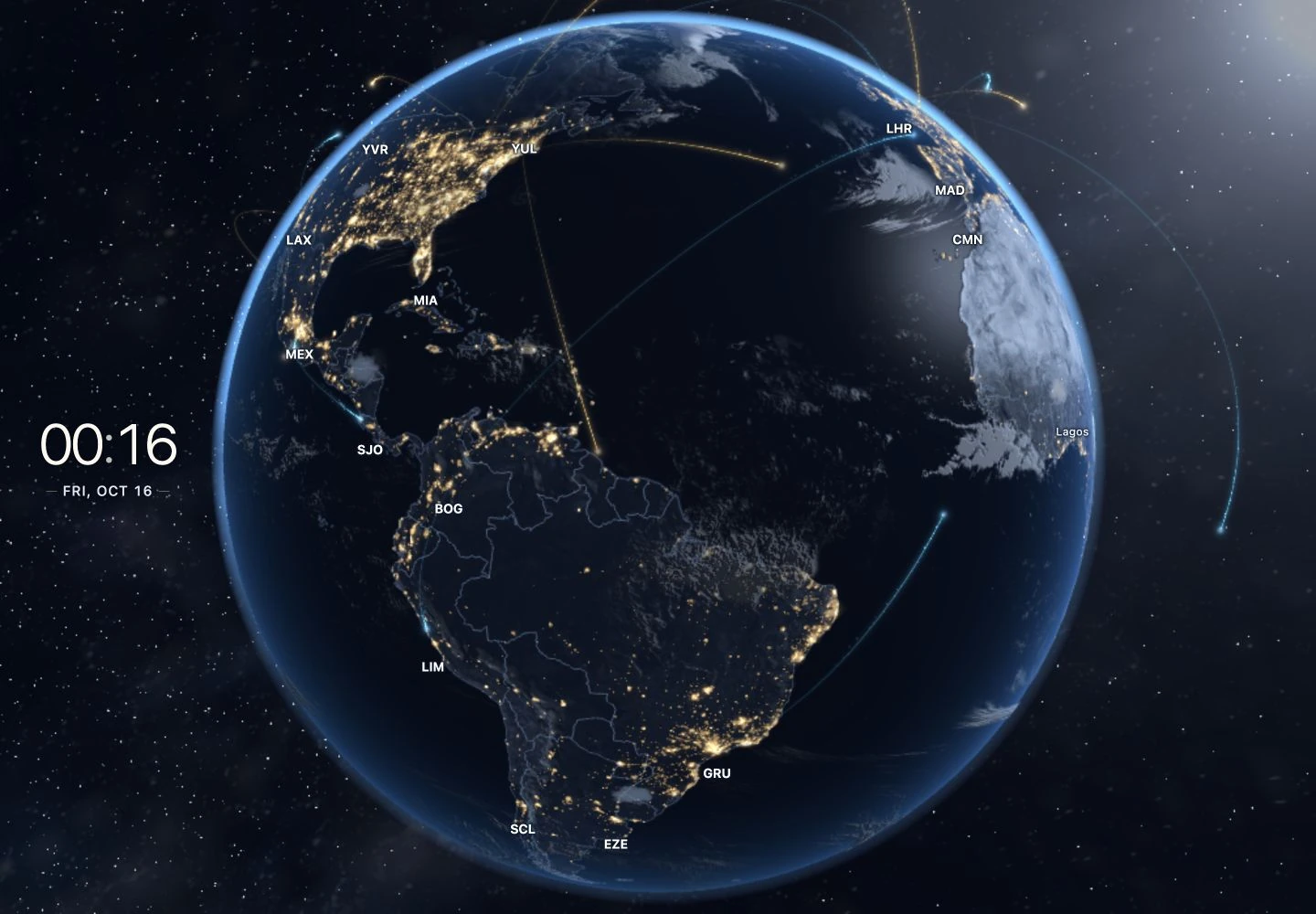
Your world, on display
Choose a globe style, then use Display mode on a tablet or computer to keep your world in view.
Turn your travel history into something you can enjoy every day.
Explore ORBIT hardwareORBIT Mini and Pro remain in development. Specifications, pricing and availability are unannounced.
You can save countries, cities and past flights without an account. Guest information stays in this browser. Make a backup before clearing browser data or switching devices.
Sign in through Settings → Account for supported account sync and destination photo albums.
Use the import workspace for supported logbooks, spreadsheets, calendar files or pasted lists. Review airport codes, dates and repeated flights before saving them to your Atlas.
Your Globe Atlas