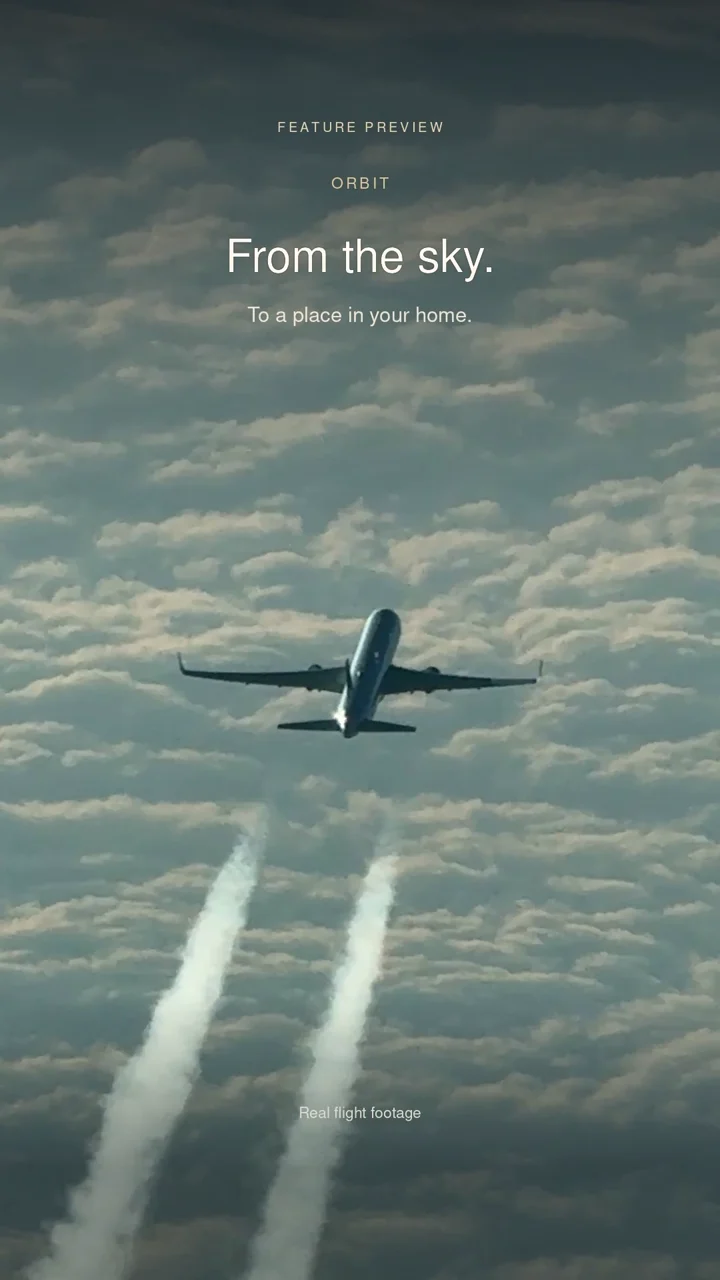
EXPLORE ORBIT
Your world. In ORBIT.
Every place. Part of your story.
Add a flight. Watch your travels become your Atlas.
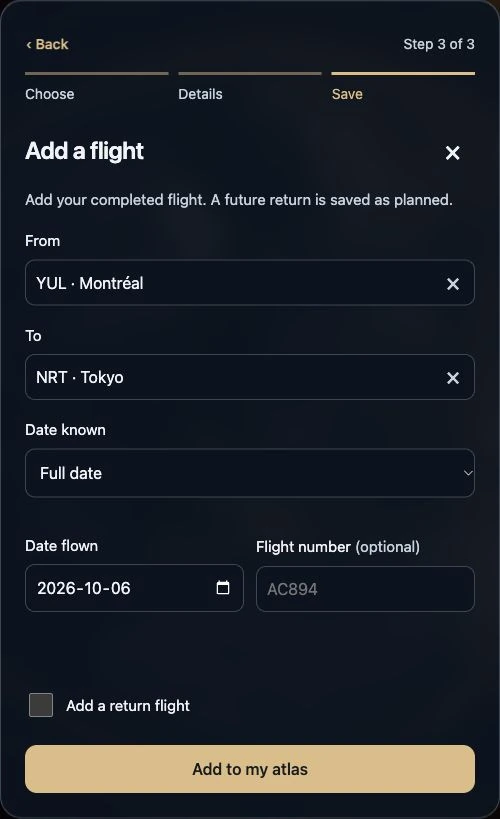
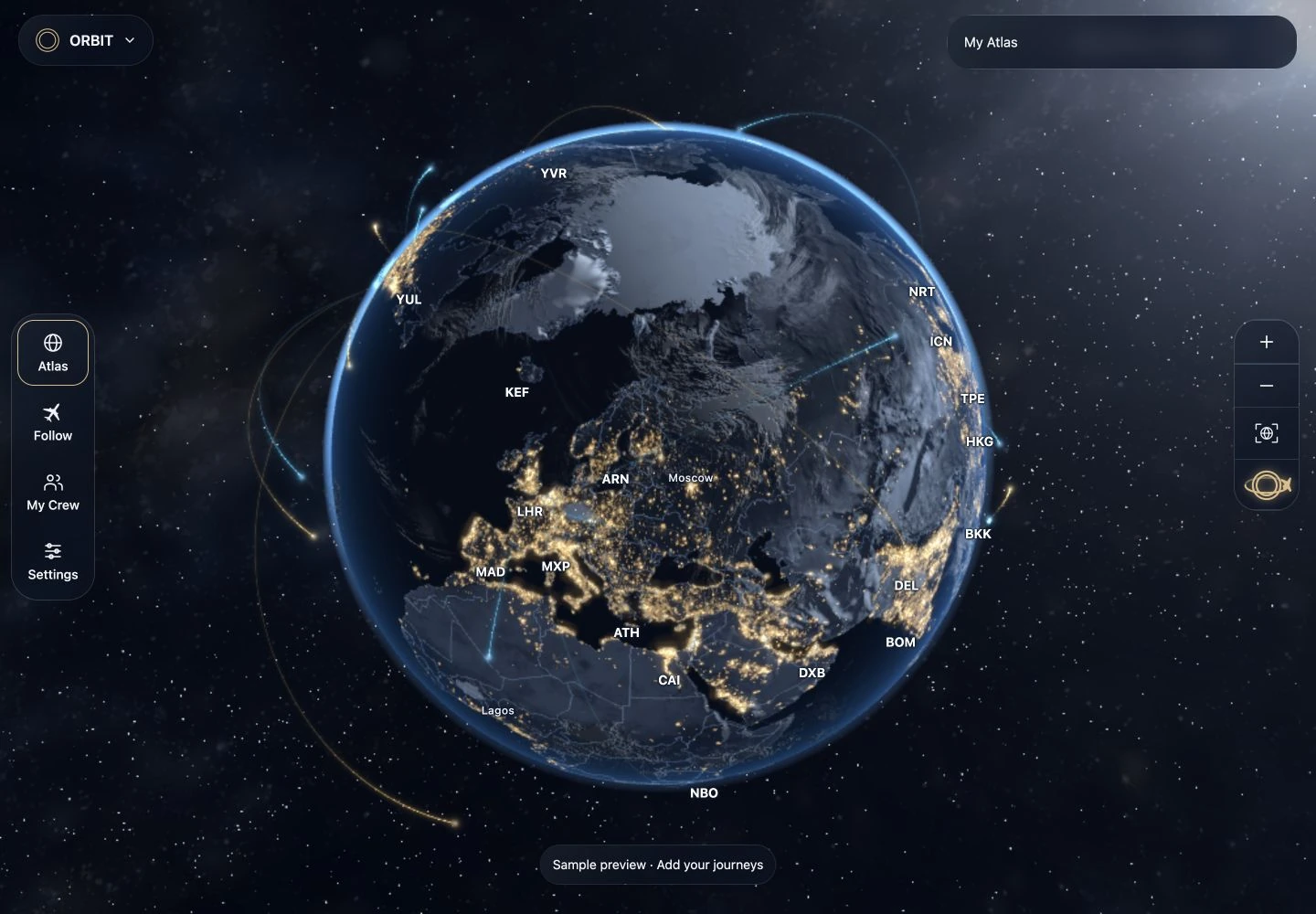
Explore without an account. Your guest Atlas stays in this browser.
More about your Atlas
Sign in for sync, photo uploads, AI reading and work schedules. Import a logbook, itinerary, spreadsheet or pasted list, then review it before saving.
Your flight, in view.
Explore the journey. Keep the details close.
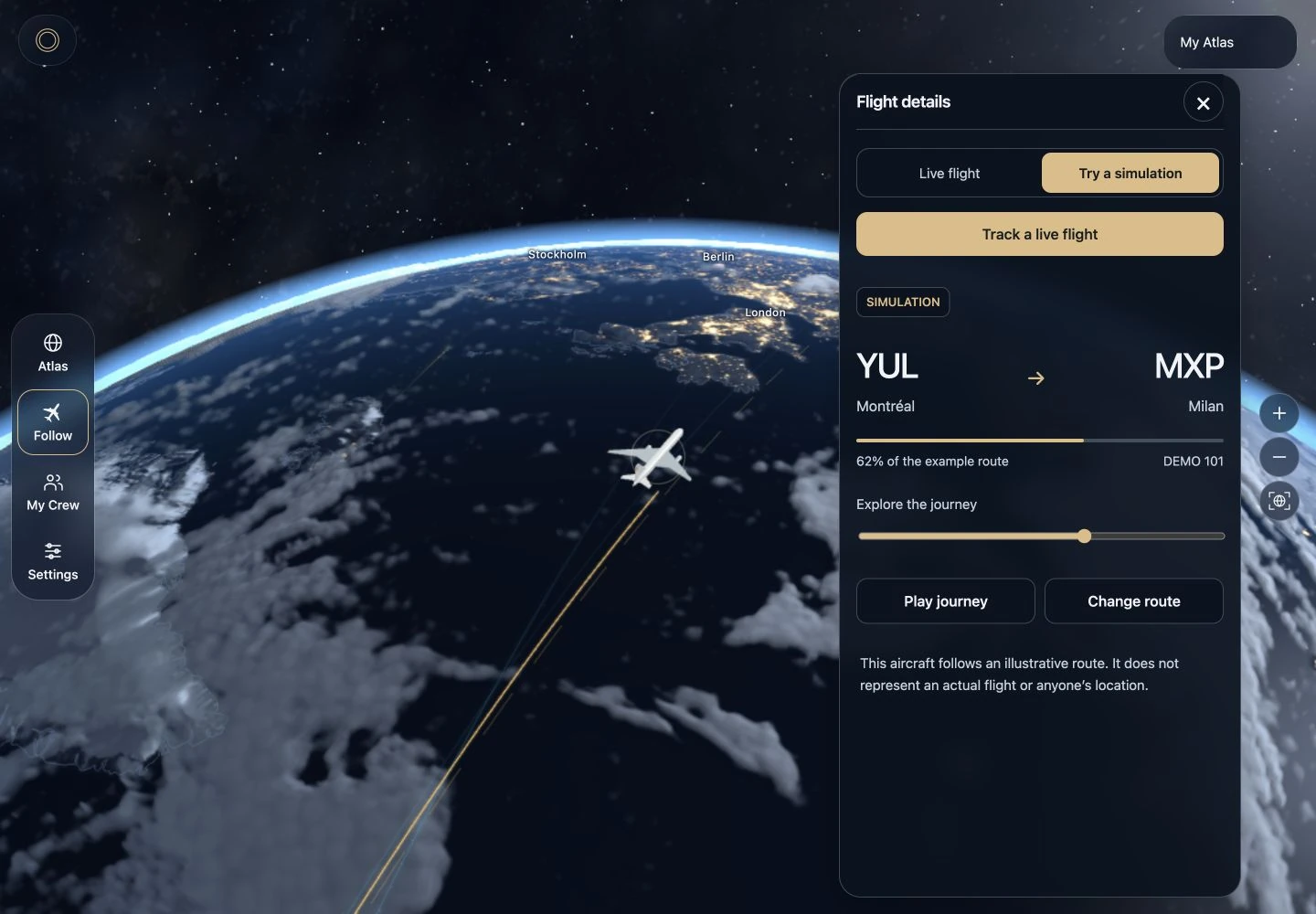
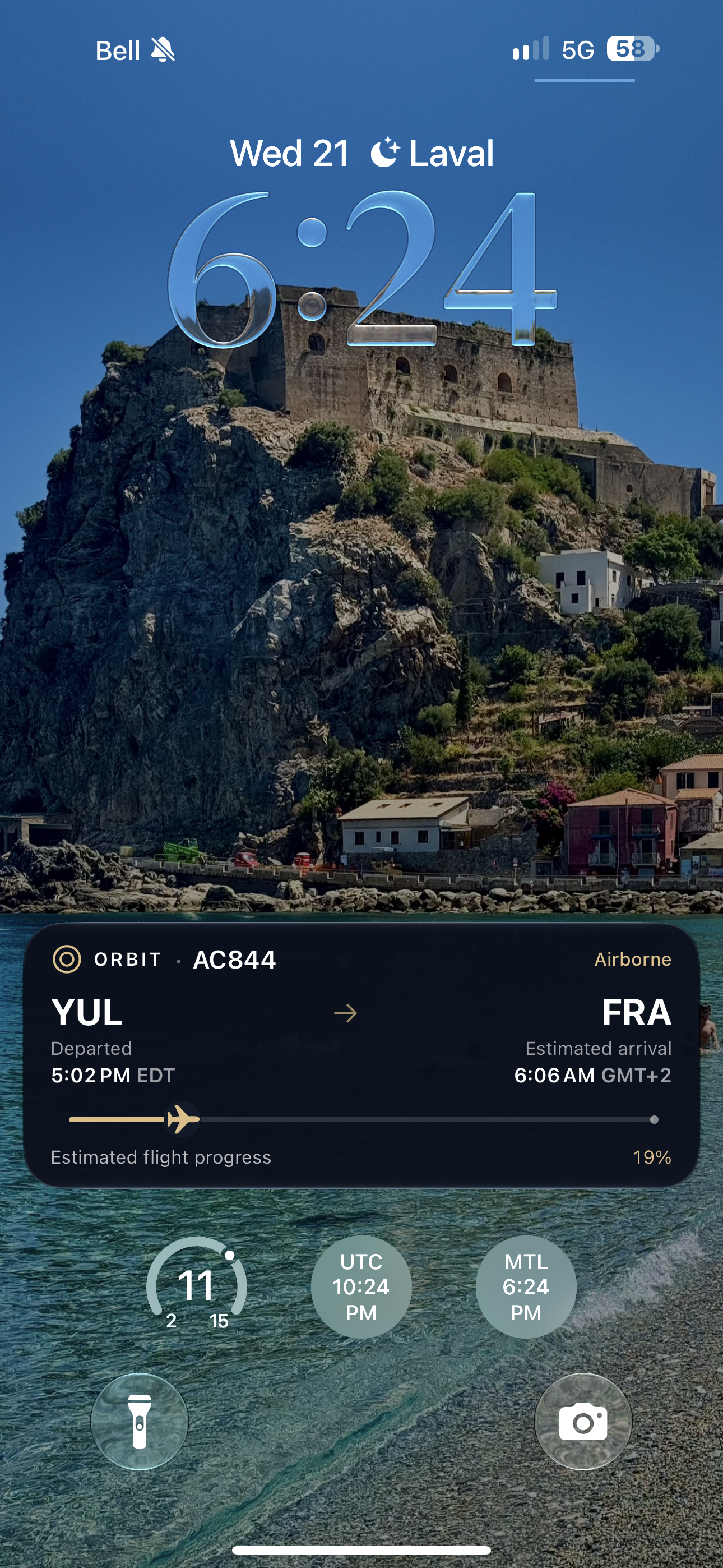
Live tracking requires sign-in, an eligible account, a supported flight and remaining allowance. Coverage depends on the flight-data provider. Live Activities require a supported flight and compatible native ORBIT app.
More about Follow
Choose Journey, Aircraft or Showcase. Aircraft and Showcase need a reported aircraft position. Check your remaining Follow allowance in Settings.
For a Live Activity, sign in, let your flight sync, then open its details and choose Start Live Activity. Simulations do not support Live Activities.
Share a schedule with People →Your schedule. Your people.
See what’s next. Choose what to share.
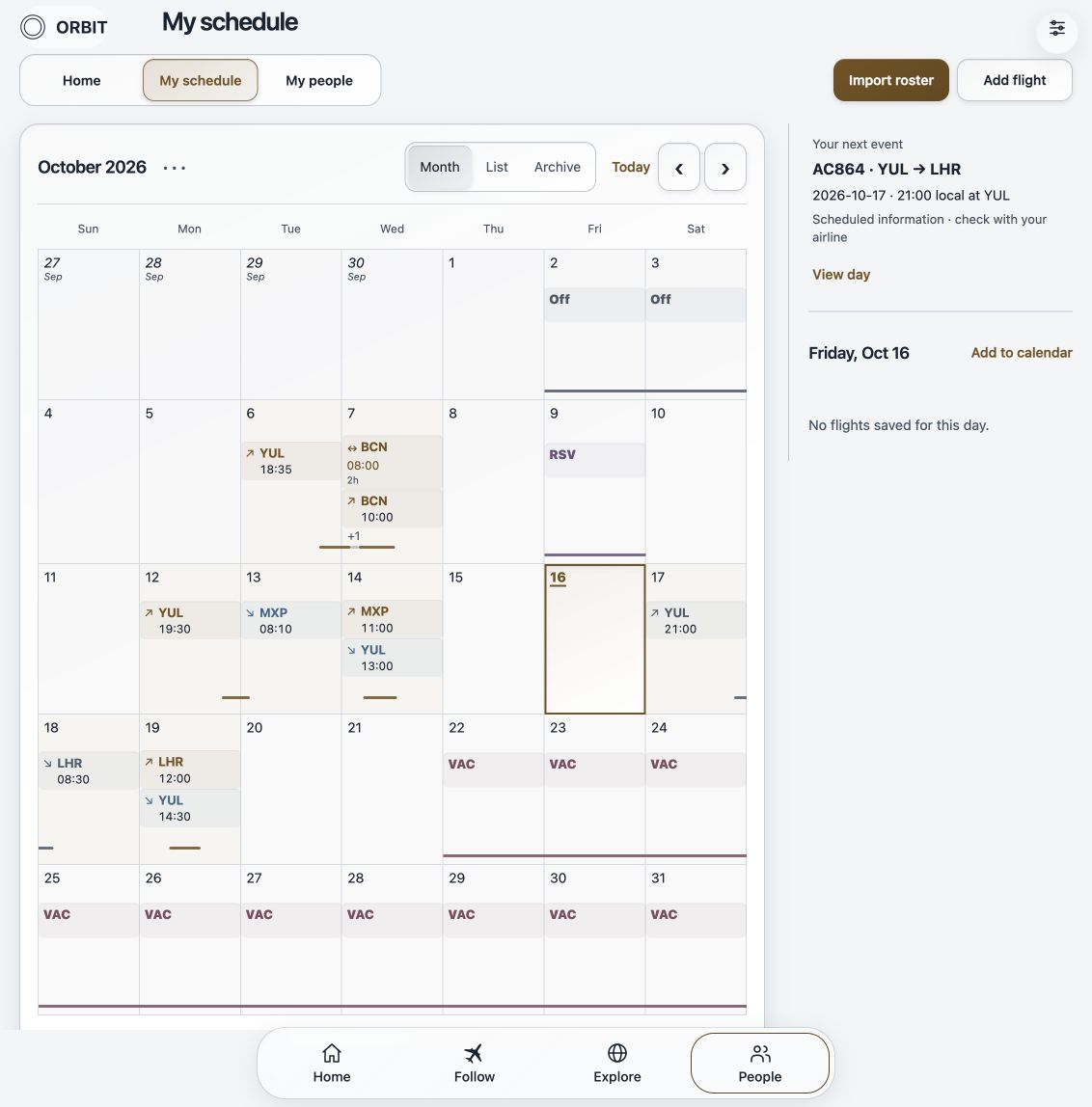
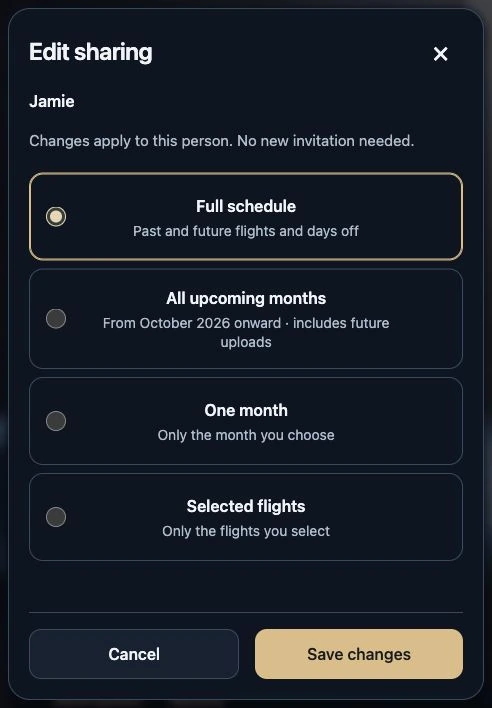
Requires an account. Scheduled information is separate from live tracking.
More about sharing
Review your roster before saving. Share a month, selected flights or a wider schedule with each person. Change or pause sharing whenever you need.
Check current flight details with your airline.
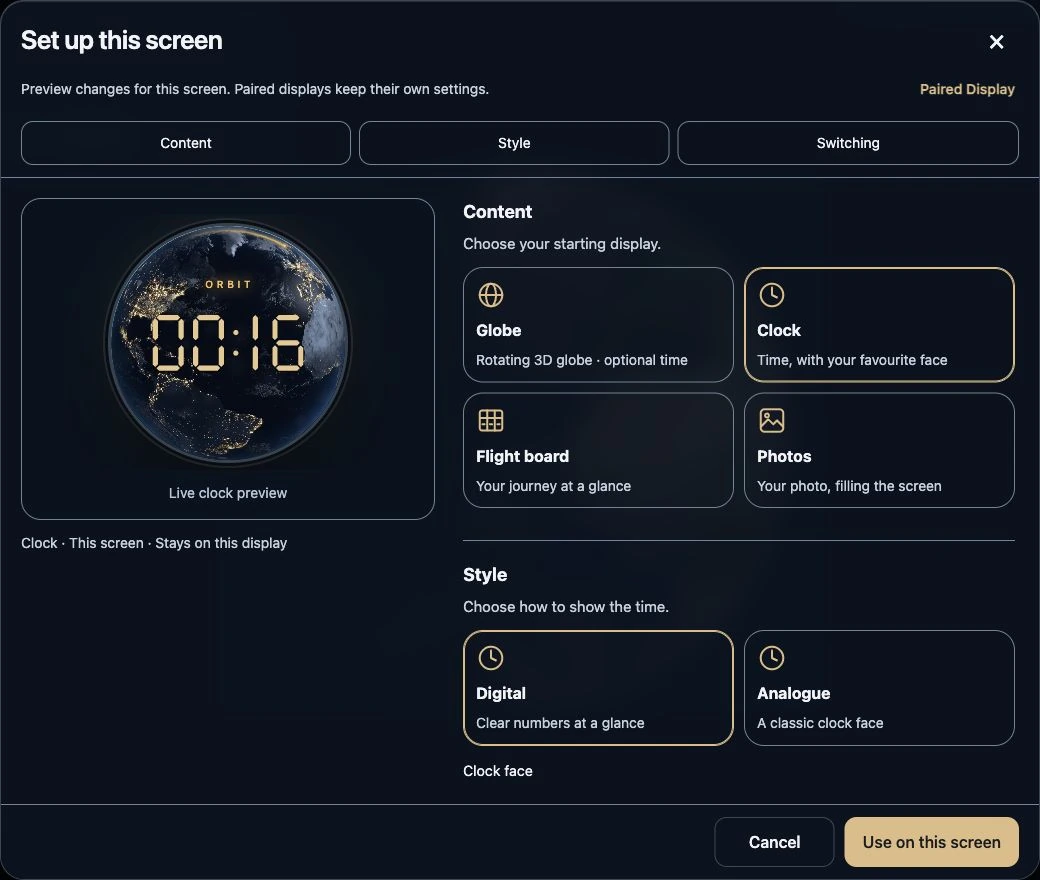
People guide →Make a screen your own.
A globe, a clock, a flight board or your favourite photos.

More about Display mode
Settings → This screen changes the device in your hands. A connected Mini has its own Paired Display settings. Choose Send to display to transfer your globe and Atlas appearance.
Automatic timing can follow your schedule; it does not confirm a flight has landed.
Explore globe styles

Current ORBIT globe renderer · Choose a style to explore.
Our signature Earth, with golden city lights and a blue atmosphere.
Watch automatic display
AUTOMATIC DISPLAY
From clock to flight.
Automatically.
Keep a journey in view, then return to your everyday display. A little closer, even from home.
Try the display demoFeature preview. Simulated flight and notifications on Mini + Pro hardware concepts. Schedule-based switching does not confirm a flight has landed.