YOUR FLIGHT HISTORY
See where your flights have taken you.
Bring past flights together on a personal 3D globe. Start with one journey, then build a map that tells your story.
Start in your browser. No account needed to explore.
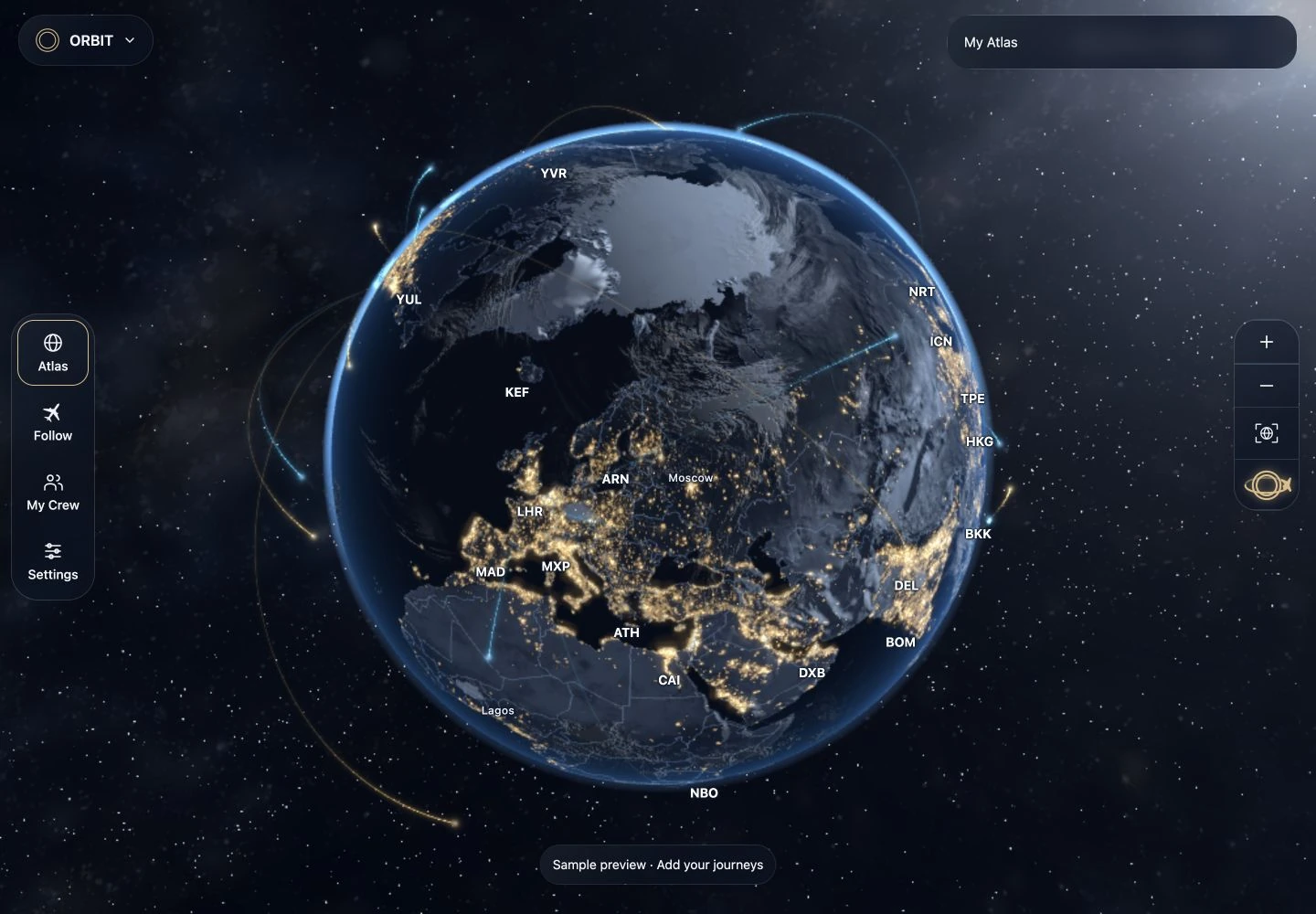
Start with a flight you remember
- Open your Atlas. Tap + and choose a past flight.
- Enter the journey. Add the departure and arrival airports, then choose a full date, month and year, year only or “I don’t remember”. Add a flight number if you have it, and check the details against your own travel record.
- Review and save. Confirm the flight to add its route to your globe, then revisit it in My Atlas.
Bring in an existing travel history
Open the import workspace for supported logbooks, spreadsheets, calendar files or pasted lists. Choose a source and let ORBIT prepare a review. Standard file reading runs on your device; optional AI reading requires sign-in.
Imported records remain drafts until you confirm them. Check airport codes, dates and repeated flights before saving. If a detail is missing or ambiguous, compare it with the original record rather than guessing.
Keep your history safe
You can begin without an account. Your guest Atlas stays in this browser, so create a backup before clearing browser data. Sign in through Settings → Account for supported account sync.
A flight history map shows journeys you have saved. Live flight lookup is a separate feature that requires sign-in, an eligible account, a supported flight and remaining allowance. Coverage depends on the flight-data provider.
More than routes
Add the countries and cities you have visited, choose a globe style and explore Display mode on a tablet or computer. Your history can become a view you return to every day.
Build your personal travel globe ↗ · How your information is stored ↗
KEEP EXPLORING