YOUR PERSONAL TRAVEL GLOBE
A world shaped by where you’ve been.
Turn visited countries, favourite cities and past flights into a personal 3D globe. Begin with a place that matters to you.
Start in your browser. No account needed to explore.
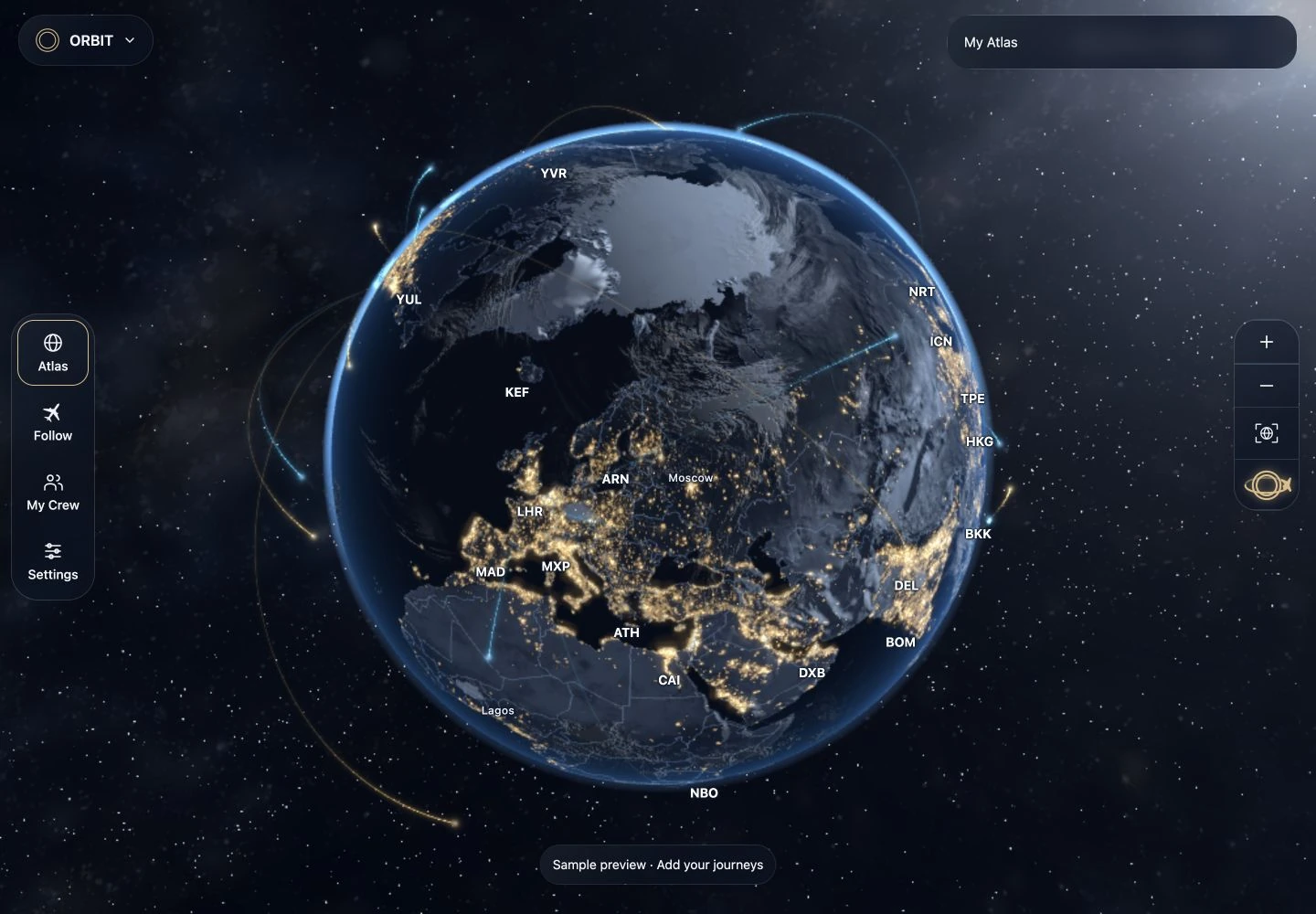
Build your Atlas, one place at a time
- Save your first place. Open ORBIT and tap + to add a country or city. You do not need a flight number or travel date.
- Add a journey. Enter a past flight, or review a supported import before saving it. Your places and routes form your personal Atlas.
- Revisit your world. Open My Atlas to browse saved places, journeys and photos. Rotate the globe to explore them together.
Make the globe feel like yours
Open the rings in Atlas or the globe collection to choose an appearance. Mark favourites and add styles to your quick menu. In Settings → Globe & appearance → Pins & journeys, adjust what appears on your globe, or use Saved looks to keep an appearance you love.
After saving countries or cities, try Visited places → Visited only in the globe menu. At 100%, unvisited areas turn black while your saved places retain the selected globe’s textures and colours.
Keep your memories within reach
You can save countries, cities and past flights without an account. Guest information stays in this browser. Make a backup before clearing browser data or switching devices.
Sign in through Settings → Account for supported account sync, destination photo albums, schedules and People. Optional AI reading also requires sign-in.
Give your world a place at home
Try Display mode on a tablet or computer you already own. Choose a globe, clock or flight board and find a view that suits your space. No ORBIT hardware purchase is required.
ORBIT Mini and Pro remain in development. Specifications, pricing and availability are unannounced. Explore the Mini + Pro concepts ↗
KEEP EXPLORING